How do I log-in to Standard Metrics with Okta?
Last updated: September 26, 2026
You can log-in to Standard Metrics with Okta two ways:
From your Okta Account (IdP)
Click on the Standard Metrics icon in your Okta portal to start your session in Standard Metrics.
Single Sign-on in Standard Metrics (SP)
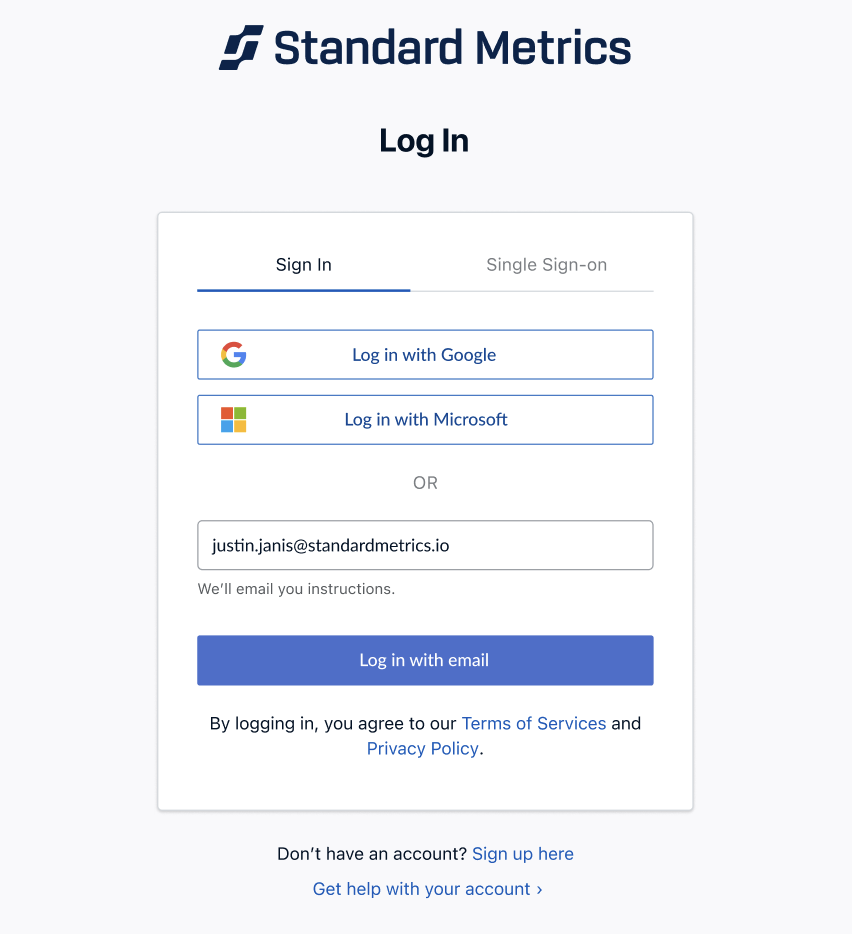
Select Single Sign-on from the main menu to sign in with Okta.
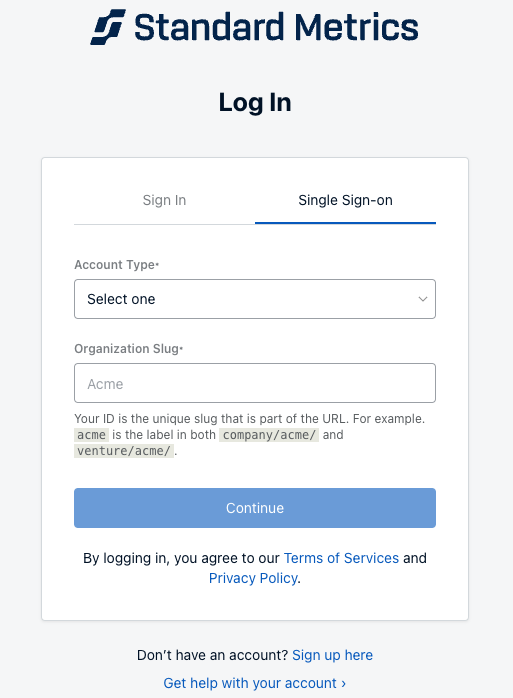
Select your Account Type and enter your Organization Slug.
3. Next, you’ll be prompted to log-in to Okta and routed to the application.
4. Success! After logging into Okta, you'll be able to access your Standard Metrics instance.